- Handbook
- Company
- Company
- Board & Investors
- Communications
- Decision making and project management
- Guides
- Organizational Structure
- principles
- Remote Work
- Security
- Access Control Policy
- AI Development and Customer Data Policy
- Asset Management Policy
- Business Continuity & Disaster Recovery Policy
- Cryptography Policy
- Data Management Policy
- Hardware Security Policy
- Human Resources Security Policy
- Incident Response Plan
- Information Security Policy and Acceptable Use Policy
- Information Security Roles and Responsibilities
- Operations Security Policy
- Risk Management Policy
- Secure Development Policy
- Third-Party Risk Management Policy
- strategy
- values
- Operations
- Engineering & Design Practices
- Design
- Engineering
- Marketing department
- Marketing
- Internal Operations
- People Ops
- Sales department
- Sales
How to Update Stacks on Production
As part of a FlowFuse Release the Stack definitions need updating to use the latest container images.
Process
- Login as a FlowFuse Cloud Admin user
- Navigate to Admin Settings -> Stacks
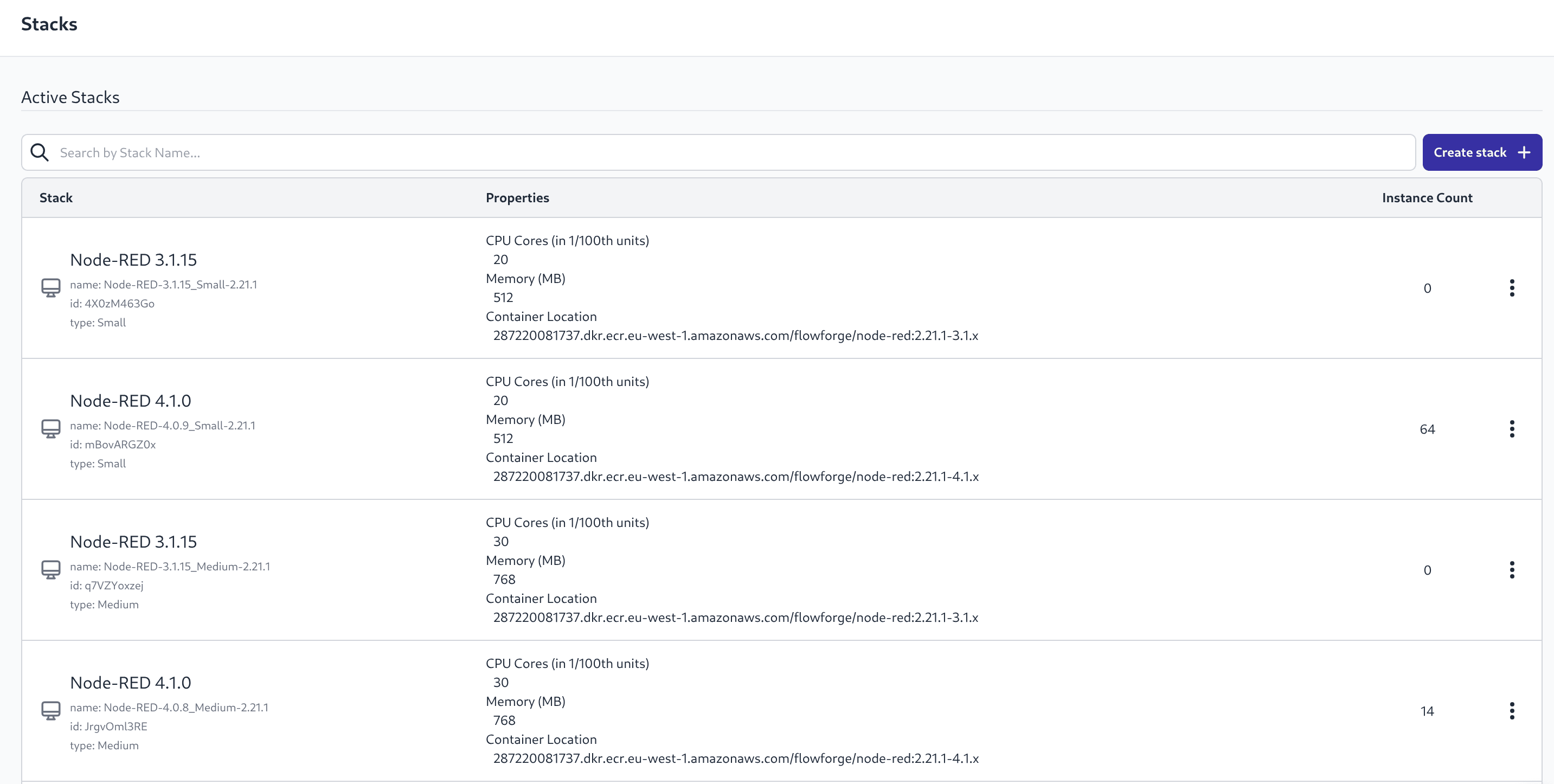 Screenshot of Stacks list
 - For each Stack in the "Active Stacks" section select "Create New Version" from the 3 dot menu and then follow Steps 4,5,6
- Edit the Stack Name to remove the "-copy" and update the semver number
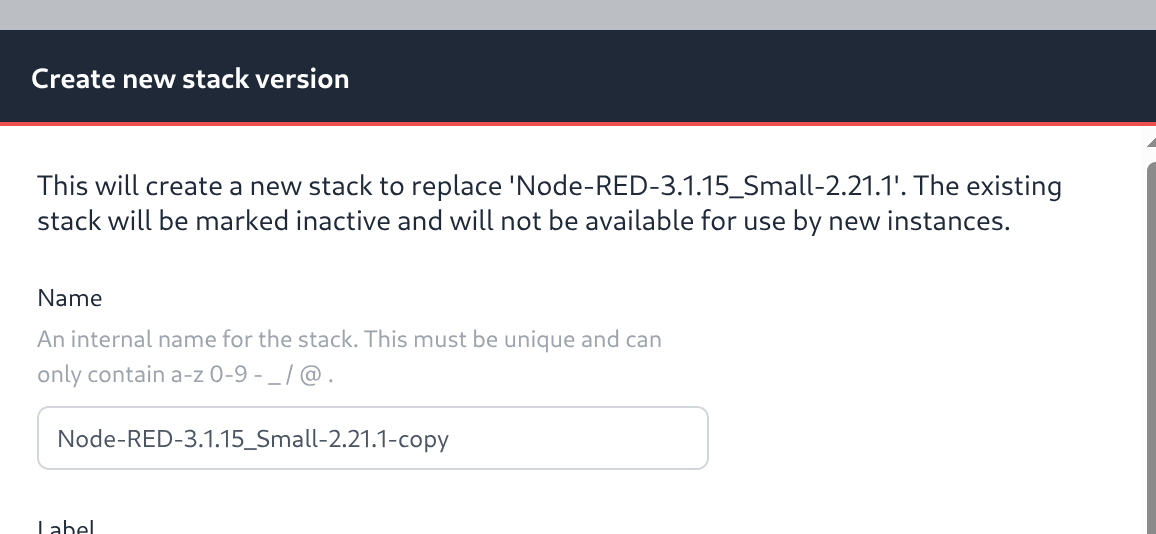 Screenshot of Stack Name
 - Edit the "Container Location" to edit the container tag, update just the semver of FlowFuse, not the Node-RED version suffix
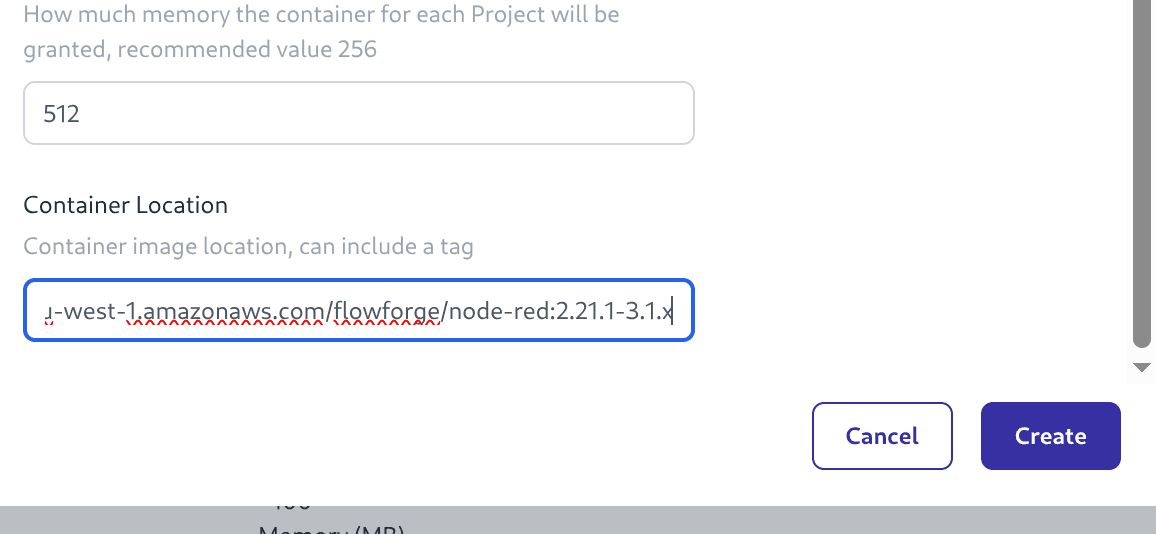 Screenshot of Stack Location
 - Complete this step with the "Create" button
A new version of the Stack will appear in the "Active Stacks" list and the old one should move to the "Inactive Stacks" list.